Quick Start
Get up and running with Kythia Ecosystem in minutes.
Kythia Suite is your gateway to the entire Kythia ecosystem. Follow these steps to get your first local development environment running.
How to install Apps within Kythia Suite
Download Kythia Suite
You can download the latest version of Kythia Suite from the Releases page.
Install Your First App
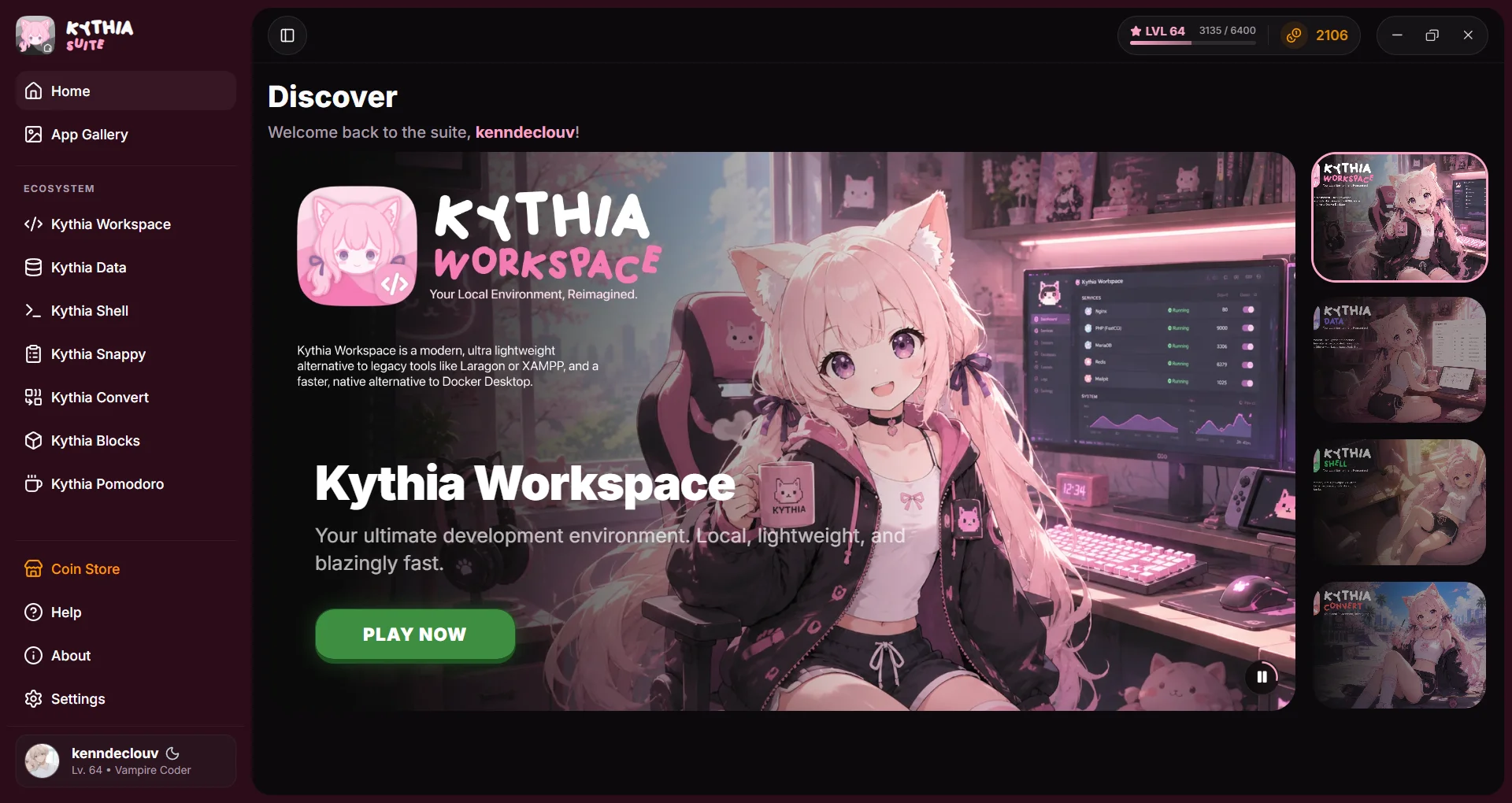
- Navigate to the Ecosystems tab in the sidebar.
- Find Kythia Workspace (the core local dev environment).
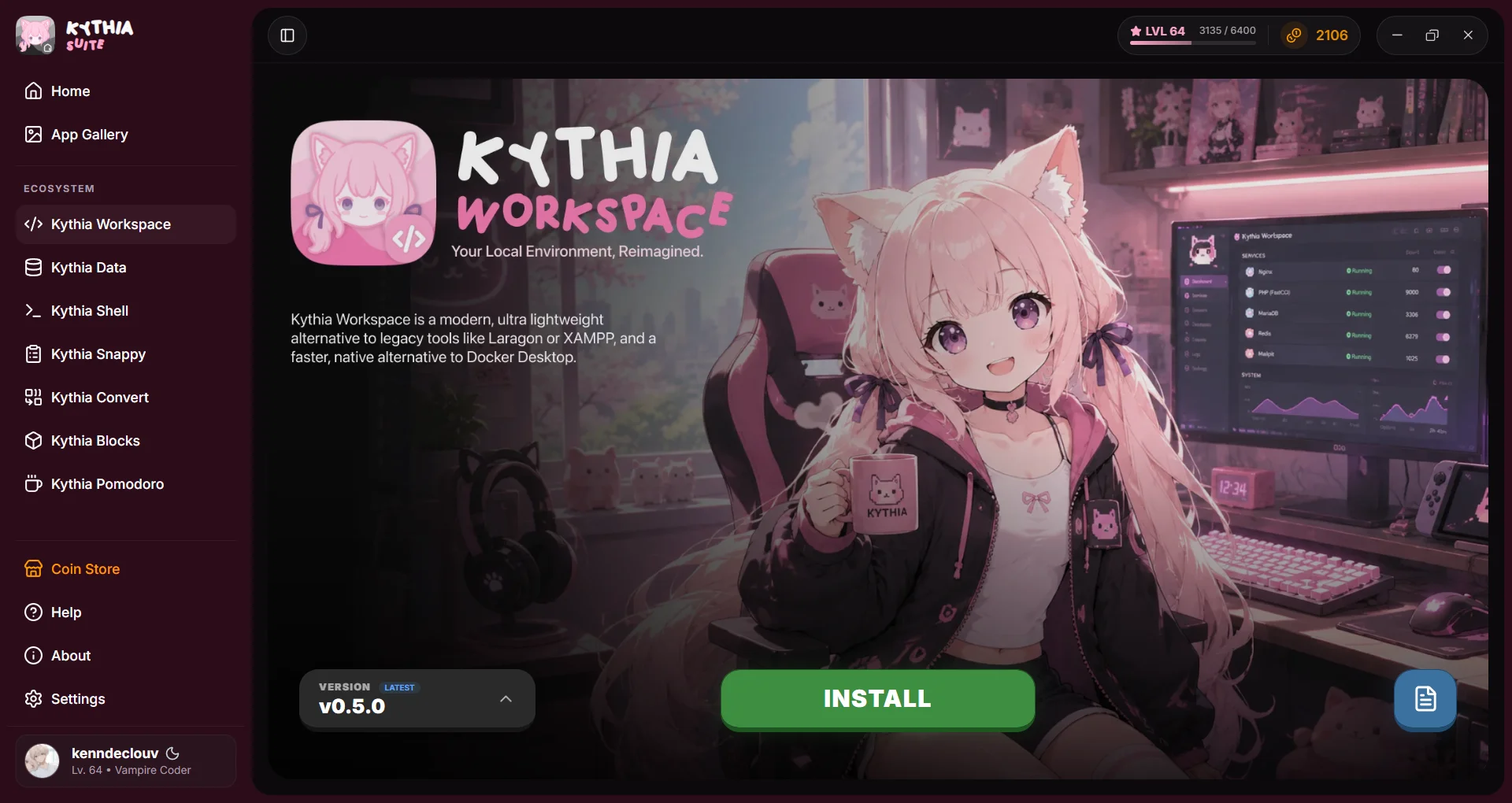
- Click Install. Kythia Suite will handle downloading and configuring the binaries automatically.
- Once installed, click Play, and you can now use Kythia Workspace!
Uninstalling Apps
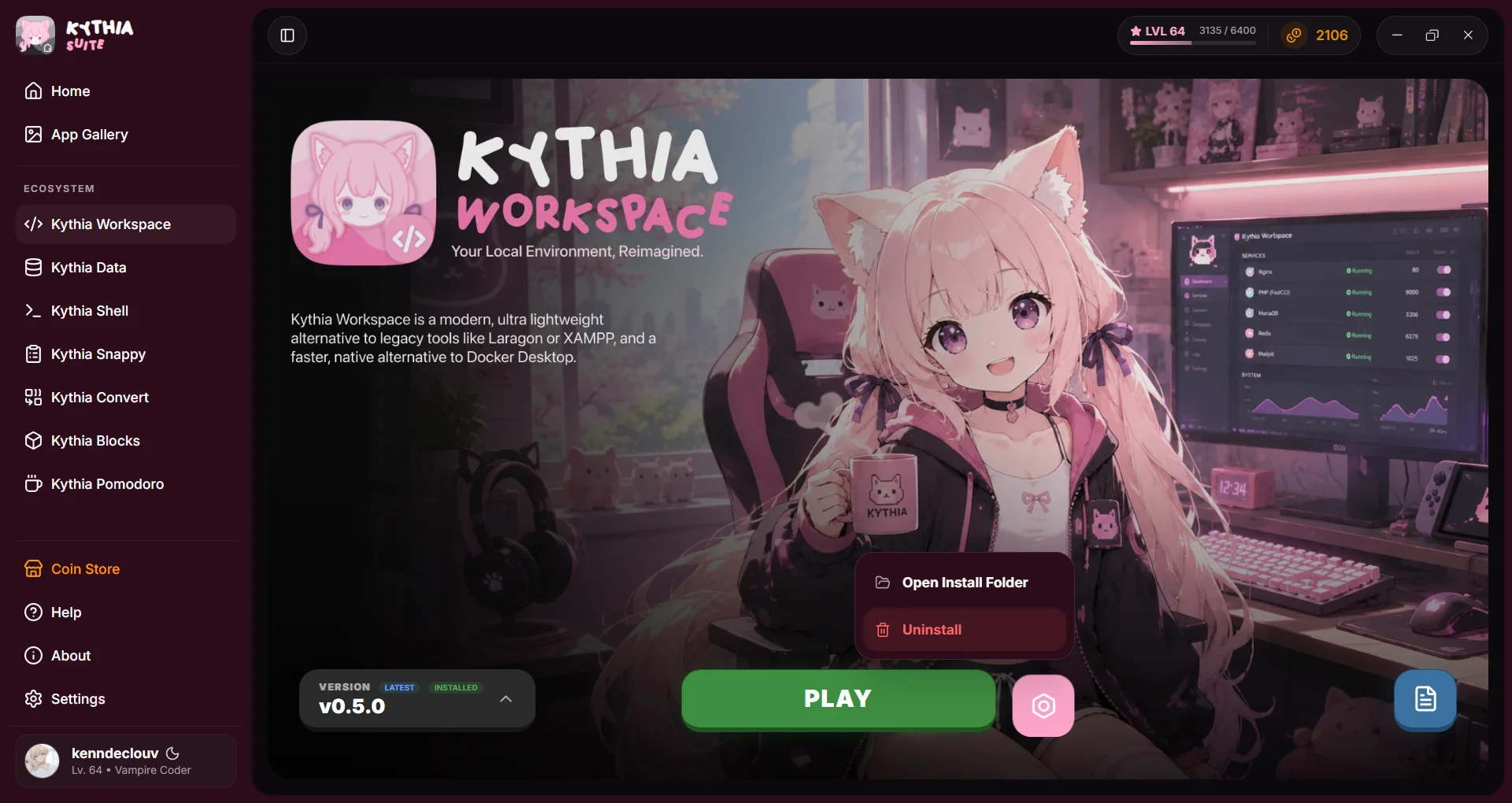
To uninstall an app, simply click the Gear Icon button beside the Play button and click Uninstall.